水 (mizu) means water.
Kernel MX 27
MX 27 boots on real UEFI PCs and puts every processor to work. Programs run in their own address spaces, a mistake in one stops that one alone, and the desktop keeps drawing while a disk works.
KFS
KFS journals every change, so a power cut leaves the disk whole. Changes gather in memory and reach the disk together, small files are made in a fraction of a millisecond, and SSDs are told which space is free.
Speed
The same 2011 laptop, the same SATA SSD. Only Mizu changed.
Desktop
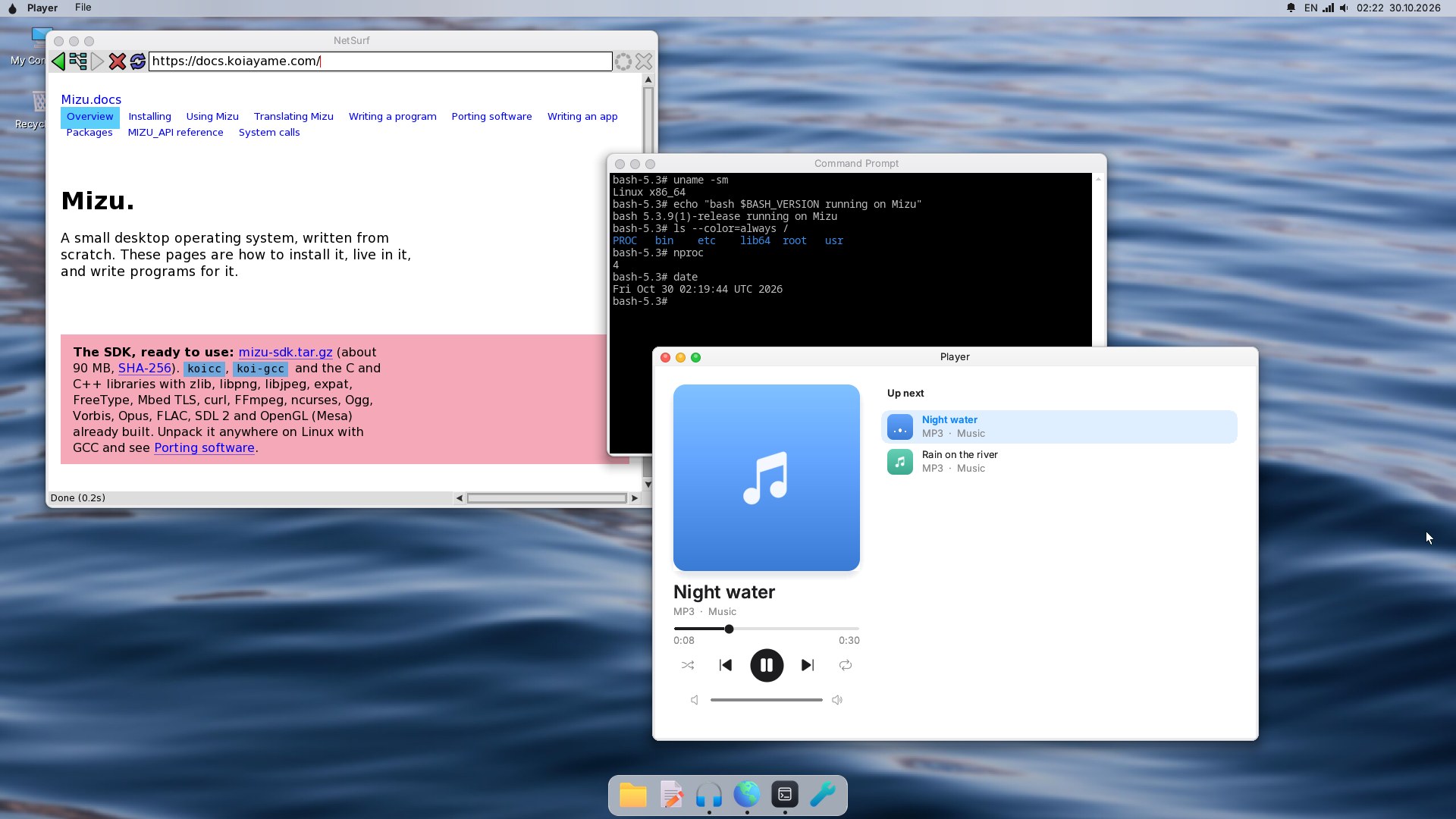
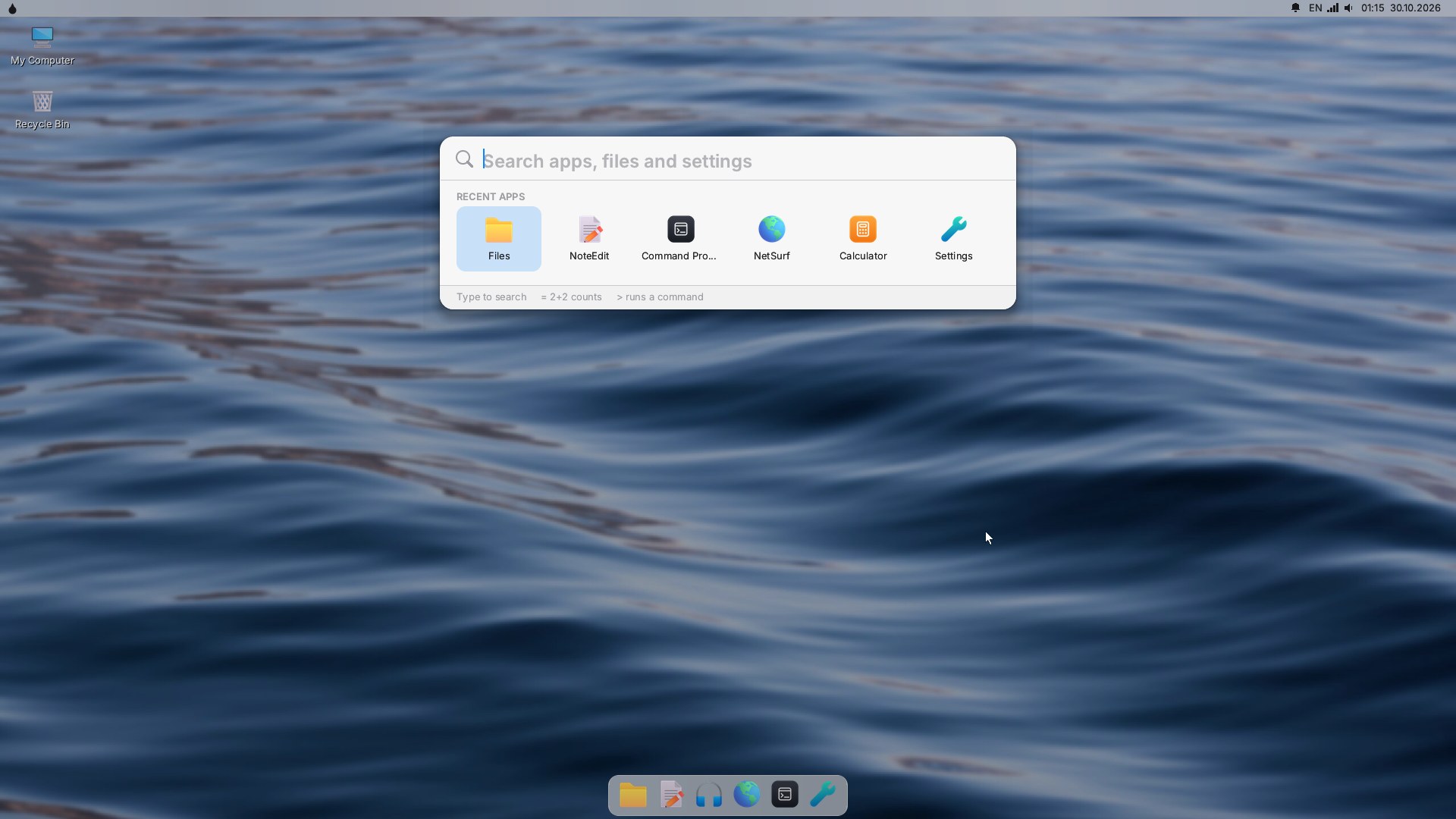
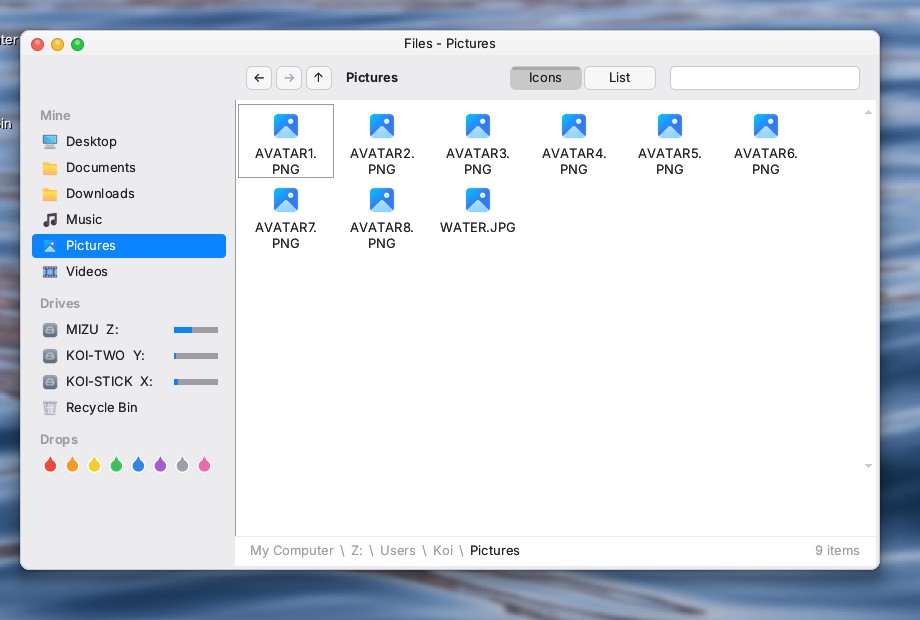
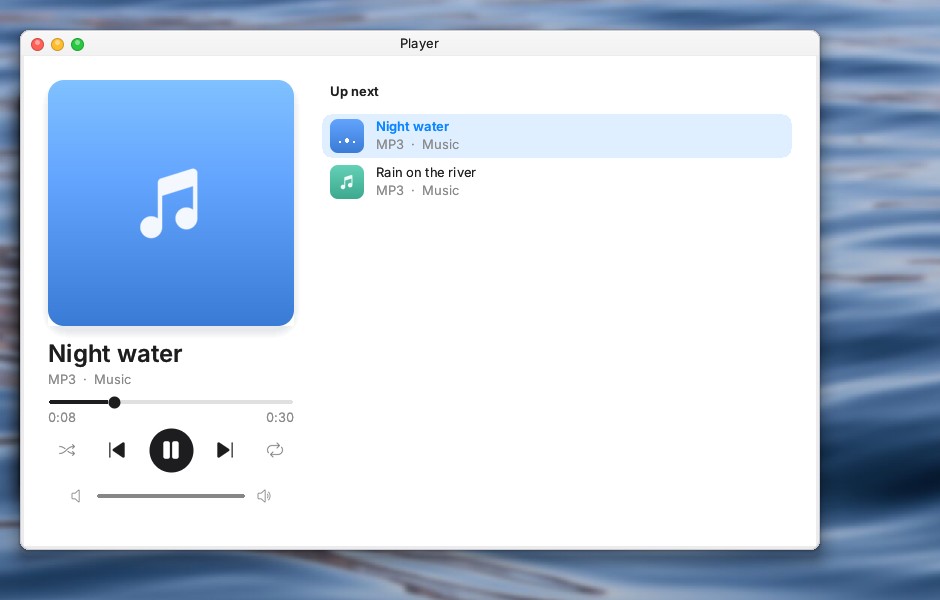
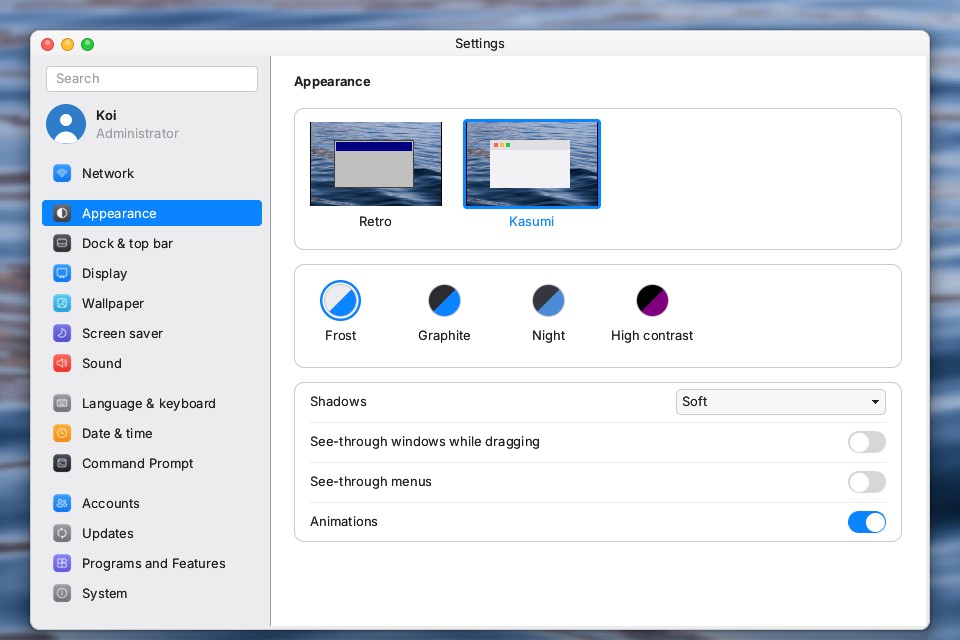
Windows you drag and resize, a launcher that knows every program, a dock, notifications and screenshots. The Kasumi look is calm and clear, in light and in dark.
Kawa
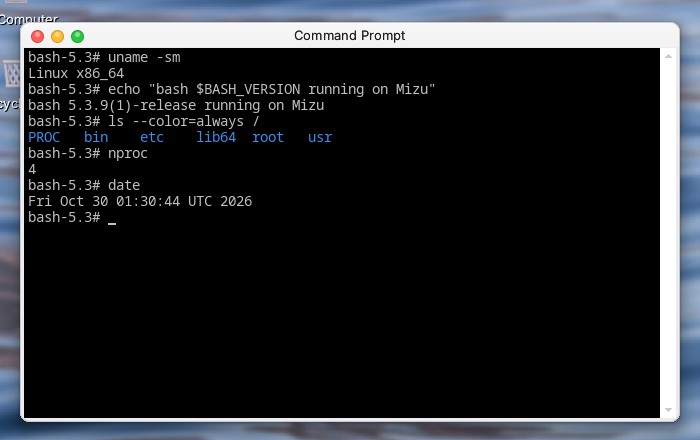
Kawa, the Mizu Subsystem for Linux, runs Linux programs without changing them. Turn it on in Programs and Features, bring in Alpine Linux with one command and install what you need with apk: bash, git, tmux, compilers, even Claude Code.
kawa --install alpine
kawa apk add bash tmux git
kawa bash
Apps
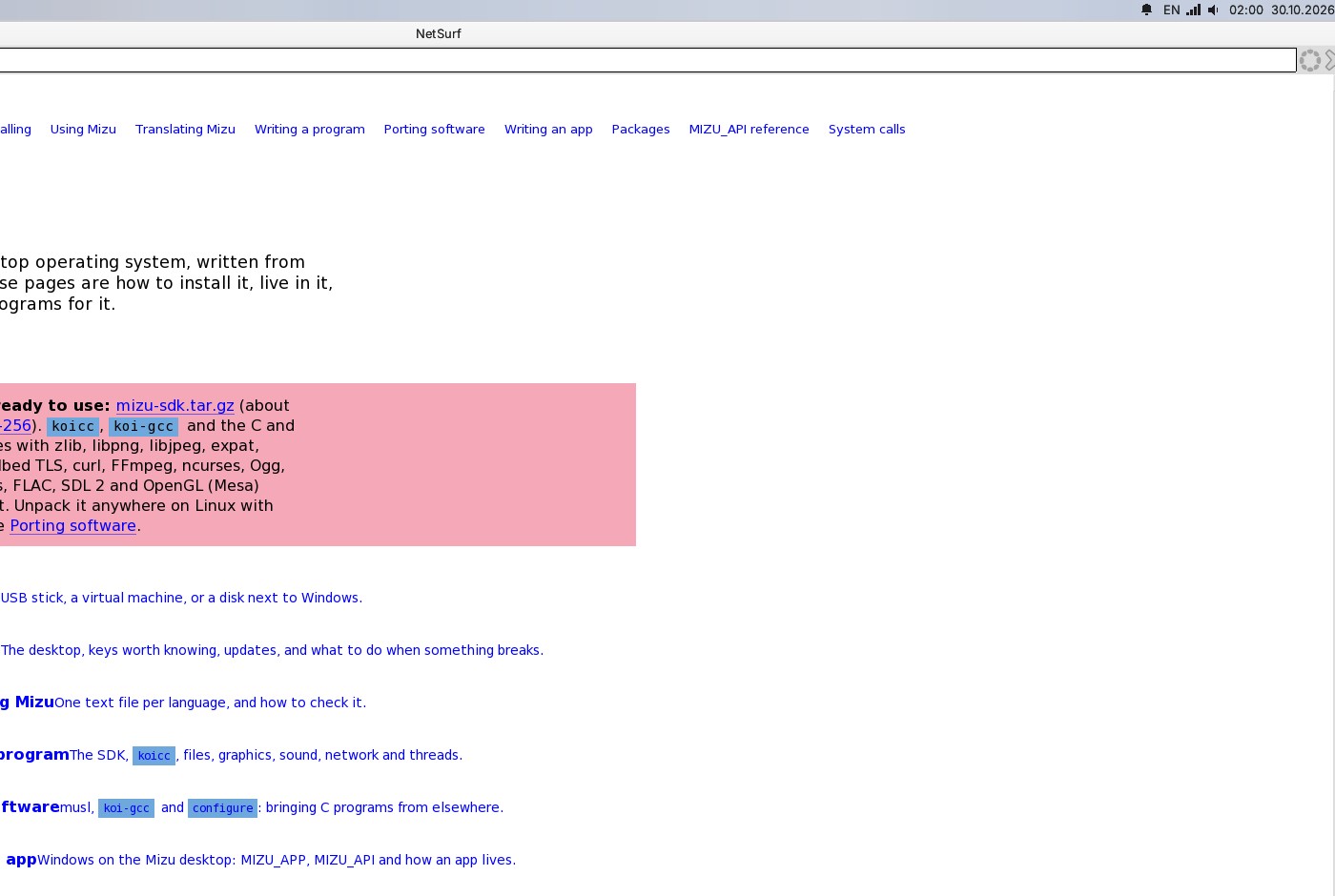
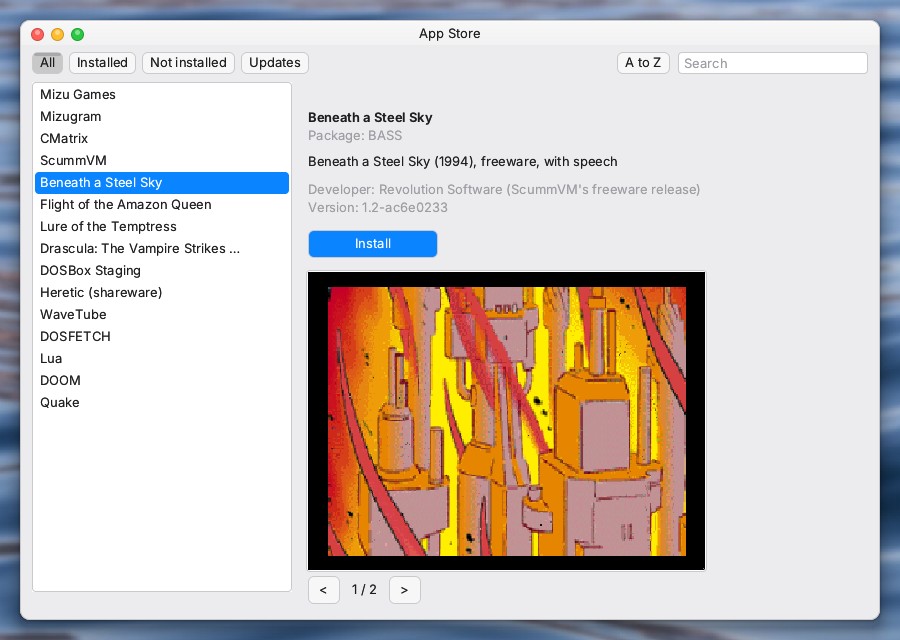
A web browser, a music and video player, a Telegram client, a paint program, a calculator, card games and more. The App Store brings the rest, signed and checked before anything is unpacked.
Setup
Download the image and write it with Rufus (DD mode) or balenaEtcher.
Pick the stick in your PC's boot menu. Secure Boot off.
Try it from the stick, or install it: the whole disk, or the free space beside Windows or Linux. Mizu puts itself in the boot menu.
On the first start from the disk: you, sign-in, region, a look. Then it is yours.
MX 27, x86-64, multiprocessor, written in C. Grew out of Koi-DOS and has since been largely rewritten.
64-bit UEFI PCs, from a 2011 laptop to today's, from a USB stick or an internal SATA or NVMe disk.
KFS with a journal; FAT32 for sticks and the EFI partition; SquashFS for the system image.
Signed, in two slots: a new system that does not start falls back by itself. Stable, Preview and Alpha channels.
Administrators and standard users, PINs or passwords, file permissions, a prompt before system changes.
English, Ukrainian, Russian, Polish, Czech and Greek, with more on the way.
Kawa runs unmodified x86-64 Linux programs: musl and glibc, threads, sockets, terminals, tmux.
Mizu itself is MIT: free, with the source open to read, build and change. Third-party programs and parts keep their own licences (NetSurf, DOOM, Quake, Heretic and DOSBox are GPL): see the list.
It runs from a USB stick, so your computer stays as it is until you decide otherwise.